


Details
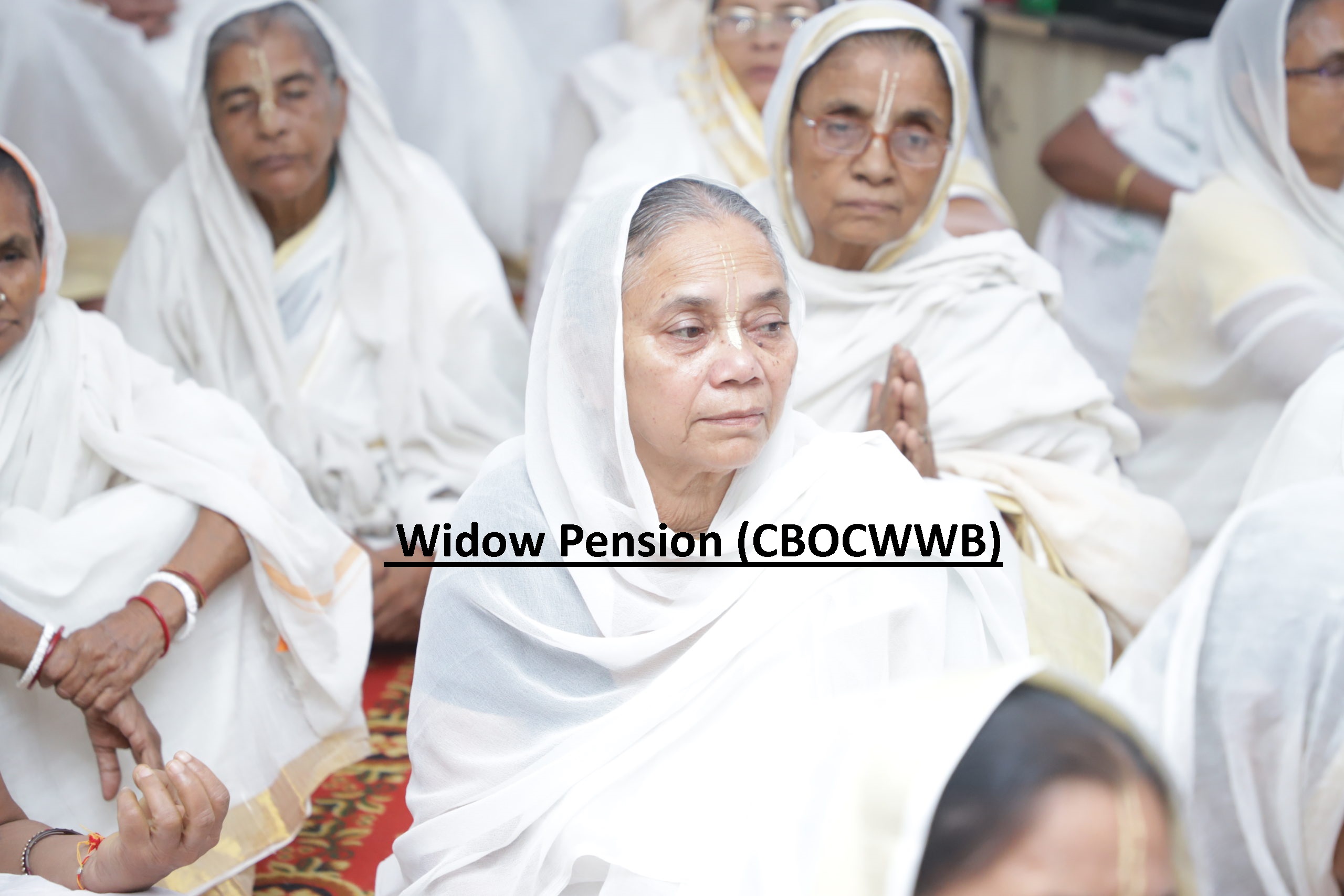
The scheme “Widow Pension” was started by the Chandigarh Building and Other Construction Workers Welfare Board (CBOCWWB), Labour Department, Chandigarh. Under this scheme, financial assistance in the form of a monthly pension shall be given to the widows of male registered construction workers of the Board.
Benefits
Financial assistance of ₹1000/- per month in the form of pension shall be given to the widows of male registered construction workers of the Board.
Eligibility
The deceased worker should have been working at the establishment, registered under the Punjab Labour Welfare Fund Act, 1965 and his contributions to the labour welfare fund should have been regularly received by the board.
The financial assistance will be given on the production of the death certificate issued by the competent authority along with self-declaration for not withdrawing pension from any other sources/office/factory.
The financial assistance will not be given to those beneficiaries who are covered under EPF.
The widow of a male construction worker would be eligible to avail the benefit of this scheme only if the male construction worker was a member of the Board for at least the last six months.
The widow should apply for the benefit of this scheme within one year.
Application Process
link- https://chdsw.gov.in/index.php/scheme/pension-to-widows-and-destitute-women
Online
Step 01: Applicants need to visit the official website of Labour Department Chandigarh: http://labour.chd.gov.in/
Step 02: On the home page, select the scheme ‘WIDOW PENSION’ under the Grant of Welfare Schemes to the workers of Chandigarh Labour Welfare Board.
Step 03: Read details of the scheme and on the bottom of the page, click on ‘Click here to Apply/Register’. (The applicant may also read the user manual by clicking on the ‘Click here for User Manual’.)
Step 04: If the applicant not register, click on ‘register yourself’. A ‘ServicePlus’ window/page will open and fill in all the details to register.
Step 05: Now, to apply for the scheme, click on ‘Apply for Service’ and use ‘ServicePlus’ credentials to Login i.e. ‘User ID’ & ‘Password’.
Step 06: After successful Login, the applicant will be redirected automatically to the online application page by clicking on the ‘Apply for Service’ tab.
Step 07: In the application form, fill in Applicant’s Personal Details, select the scheme (Widow Pension) & Work Place Details. After furnishing all the mandatory details click on ‘Self-Declaration’ and fill in additional details.
Step 08: Enter the verification code/Captcha and click on the ‘Submit’ button.
Step 09: Preview all the filled details and click on ‘Attach Annexure’.
Step 10: Upload all the mandatory documents and click on ‘Save Annexure’.
Step 11: After verifying all the details, click on the ‘Submit’ button.
Step 12: Take a printout of the generated ‘Acknowledgement Receipt’ for future reference.
Step 13: To track the application status, the applicant can visit the official website of the Labour Department and login through their ‘User ID’ & ‘Password’.
Step 14: Click on ‘Track Application Status’ and fill in all the details. Now click on ‘Get Data’ to know the status of your application.
Documents Required
Passport-size photograph
A copy of the Aadhaar card of the applicant
Self-declaration by the applicant that she is not receiving a pension from any other office
Death Certificate issued by a Competent Authority
Copy of BOCW Card of deceased worker
Bank account details/Bank Passbook
A copy of the salary slip of the deceased worker
Any other relevant documents
Disclaimer
Hamara Neta is an independent, private application developed and maintained by HANSA AI TECHNOLOGIES. This app does NOT represent any government entity and is NOT affiliated with, endorsed by, or connected to any government body. Official government services should be accessed directly through their respective government portals.